Search
The free text search box is at the top of the page. You can use simple keywords or, as shown in the image, special characters for Lucene advanced queries.
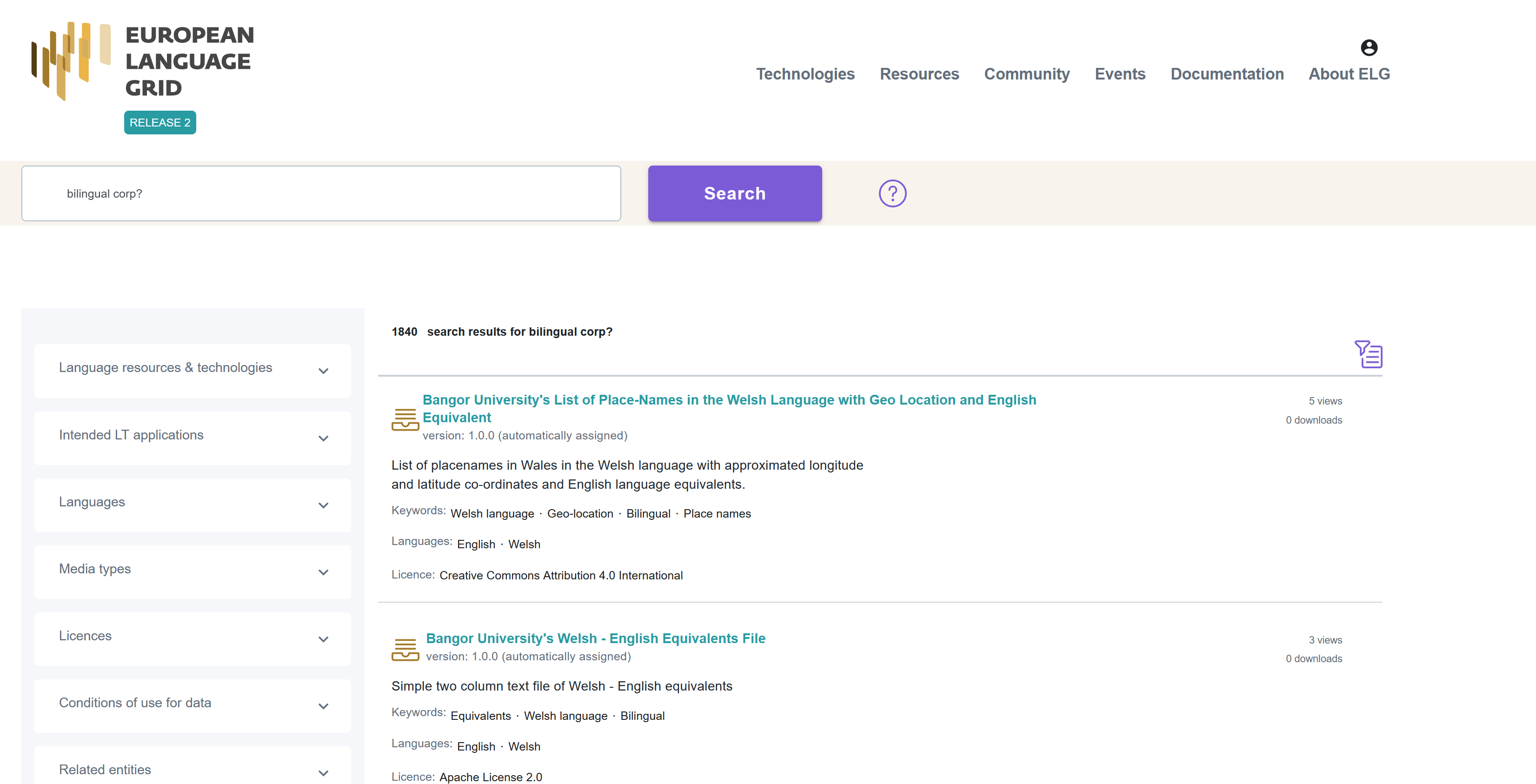
You have also the option to use filters. On the left side of the page, you can see all the available filters.
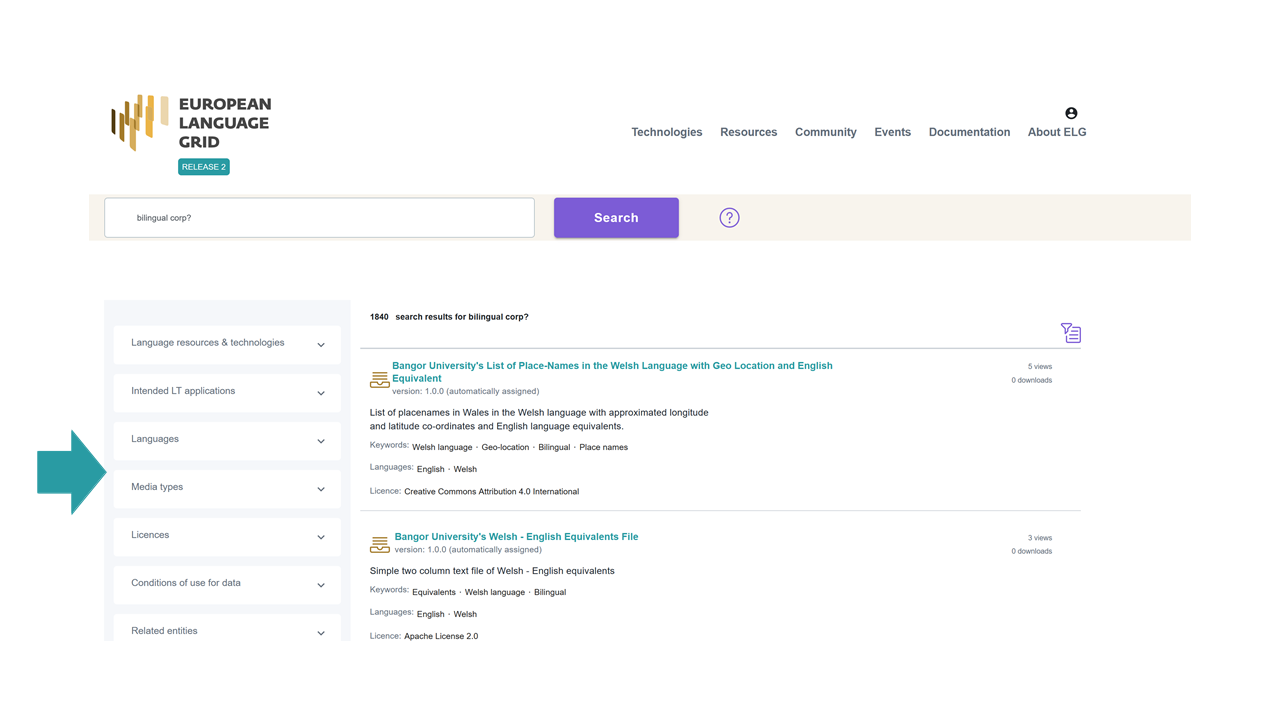
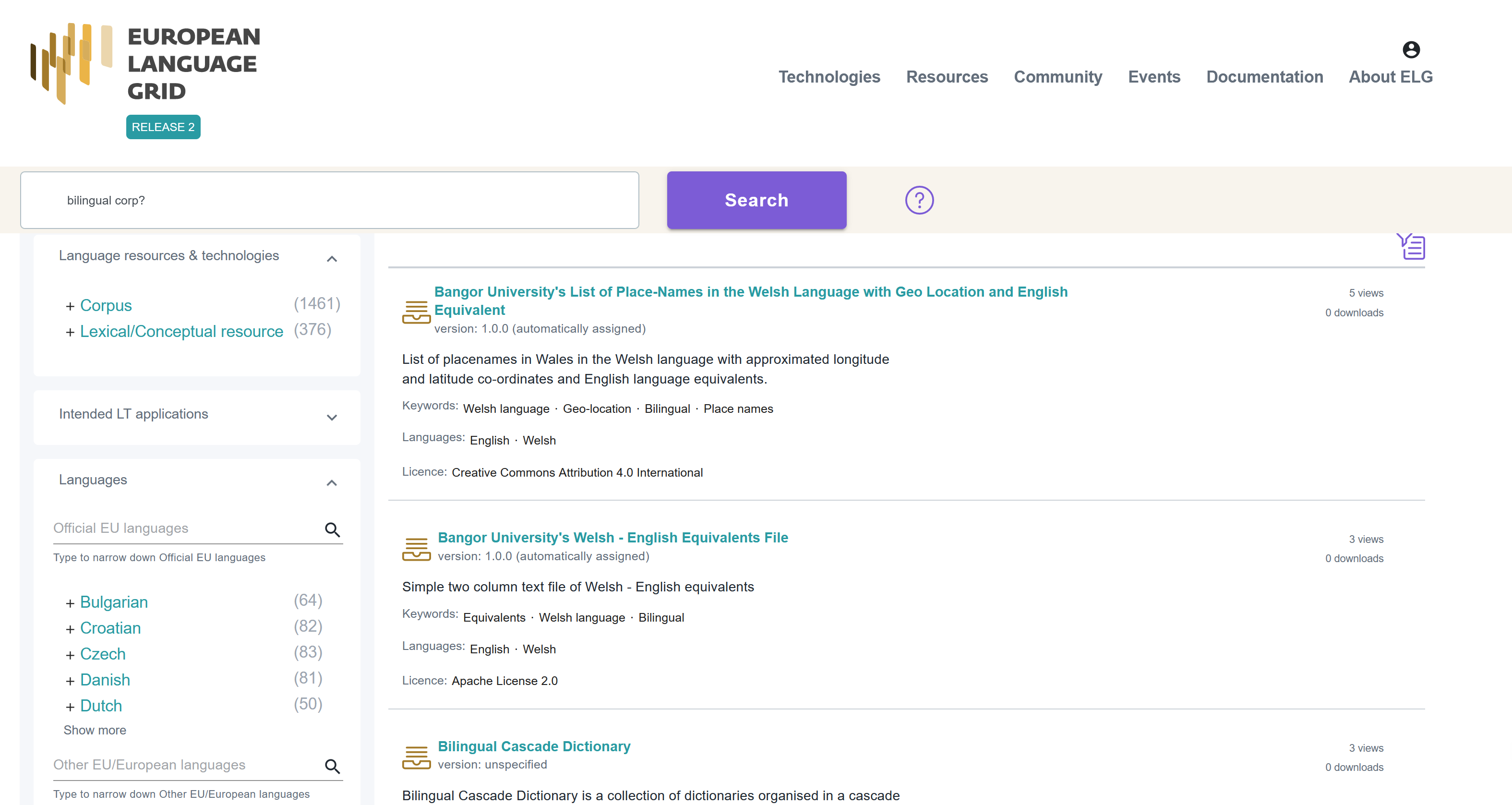
The filters’ value lists are closed, but once you click on the arrow next to the filters they open. For filters with a long list of values, a free text search facility is available once you open the filter.
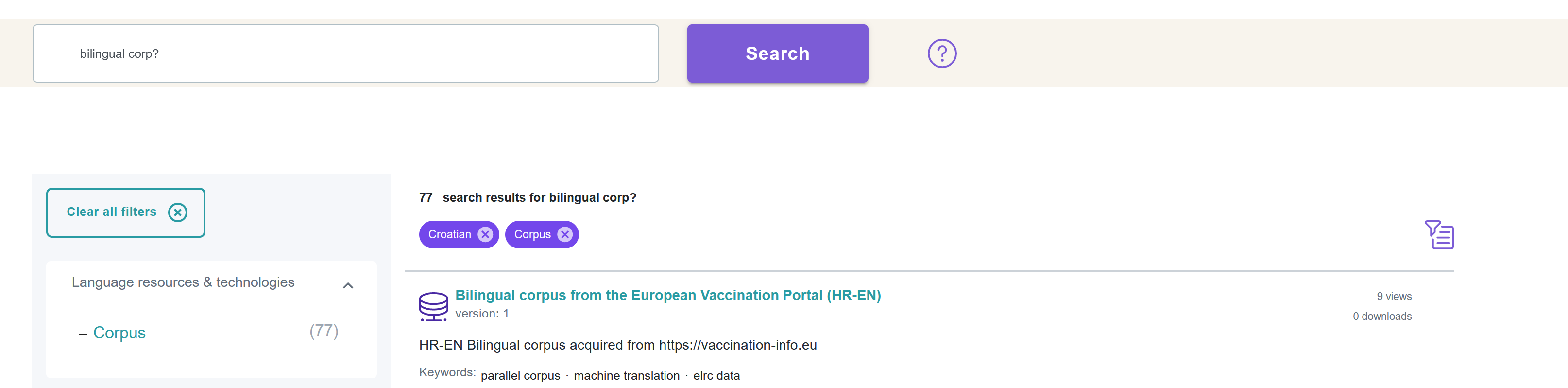
If you wish to remove the filter(s) applied, either click on the Clear all filters button or on the x next to the filter name above the search results.
The following filters are available:
Resource types: It groups the LRTs by their type, i.e. corpora, tools/services, lexical/conceptual resources, models, grammars.
Service functions: It groups services according to the function they perform (e.g. Machine Translation).
Languages: It groups the LRTs depending on the language(s) of the contents, or, in the case of tools and services, the language(s) they can process. To facilitate search, languages are grouped into three groups: Official EU languages, Other EU/European languages and Other languages 1 .
Media types: It groups the data resources depending on their media type, i.e. text, video, audio, image, numerical text.
Licences: It groups LRTs according to their licence(s) (for instance, resources under CC-BY 4.0 licence).
Condition of use: It groups resources according to the conditions of use of their licence(s) or the access rights indicated by the creator of the metadata record. The conditions of use for standard licences have been added by the ELG legal team; for proprietary licences, we rely on the providers’ information. Only a subset of conditions of use deemed of assistance for search purposes is included in the facet. Please read the licence to ensure that you can use the data for your purposes.
Note
For a resource to be filtered, and presented as a result to the user, the respective metadata field must have been filled in by the creator of the metadata record.
- 1
Regional or other variants, dialects, etc. are not included in the facet but are supported via the search box. The view page of the resource displays the language details as provided by the creator of the metadata record.